
SketchUp Studio: Advance your workflow

SketchUp Studio: Advance your workflow

We’ve been busy evolving the Studio offering to make it [even] more robust for Architecture, Engineering, and Construction (AEC) professionals. With that in mind, we are excited to announce two brand-spankin’ new features that will have your workflow more enriched and streamlined than ever before. Welcome to the Studio family, V-Ray and Scan Essentials!
Import point cloud data with Scan Essentials

Similar to PreDesign and Add Location, Scan Essentials is, well, essential from the very start of your workflow. By giving you the tools to import, view, and model directly on point cloud data in SketchUp, it serves as a blueprint for a solid 3D foundation. Whether you’re retrofitting or delivering a new build, you don’t need to start from scratch. Some features to help support your workflow include importing point clouds from drones, terrestrial scans, photogrammetry, lidar sensors, and mobile mapping; modeling directly on point clouds; comparison functionality to ensure your model is aligned with your point cloud; alternate views; as well as the ability to zoom on specific sections, and alter colors and transparency. Your context is ready for 3D primetime! Once you’re done with your 3D model, it’s time to go to 2D with a direct LayOut integration. Save modeling time by exporting contextual scan data directly into LayOut for professional documentation.
Ultimately, the point cloud visual is the richest data of all, but the benefits it brings to your entire workflow are invaluable; for example, increasing modeling accuracy and efficiency. With Scan Essentials, you can better integrate project stages, from site surveys to design, construction, and then post-construction, supporting greater success on complex projects.
Real-time & photorealistic rendering with V-Ray 5

Visualization is without question a huge part of the AEC professionals’ workflow — whether that be during design reviews with your team or client, or when you are presenting your design for final approvals. With V-Ray 5 for SketchUp, you can now take your design from idea to photorealistic render by tweaking lighting, adding shadows, touching up reflective coatings, selecting global illumination settings — and so much more. Get started by exploring Chaos Cosmos, V-Ray’s robust, smart 3D content library. Download render-ready content, such as vegetation and people, directly into your SketchUp design — saving you time and modeling energy
Even better, you can also take advantage of real-time rendering capabilities with V-Ray Vision. Compared to slower, traditional rendering processes, V-Ray Vision lets you quickly make edits on the fly — while modeling in SketchUp. With instant rendering at your fingertips, you can quickly present ideas to clients and drastically shorten project timelines — either in the office or completely remote. Flexibility at its finest. Once you’re done modeling, export screenshots, animations, and panoramic images for virtual reality viewing. Talk about elevating your design visualization process!
Heads up: SketchUp offers V-Ray 5 as part of its Studio subscription, a windows-only offering.
SketchUp Studio offers the tools (V-Ray, Scan Essentials) you need to design better projects. Studio harnesses the power of SketchUp Pro with the addition of new features to enhance your professional workflows.
Already a Studio subscriber? Start using Scan Essentials and V-Ray 5 on your WindowsOS today!
As we continue to grow our Studio subscription offering, we’ve also decided to remove Sefaira from this subscription. But fear not! You can still purchase Sefaira separately and it will continue to work seamlessly with SketchUp Pro.
Please note that SketchUp Studio is a Windows-only offering at this time, but is available for Bootcamp iOS.
SketchUp Studio for Higher Education subscriptions will continue to include Sefaira, but will not include V-Ray or Scan Essentials. For more information, contact your local reseller, or check out our website.
Promotion

More Information…
 https://condata-ai.com/wp-content/uploads/2026/11/TW_Webnews_CW2026-2-1.jpg
554
554
angela.hsu
/wp-content/uploads/2025/07/test-logo.png
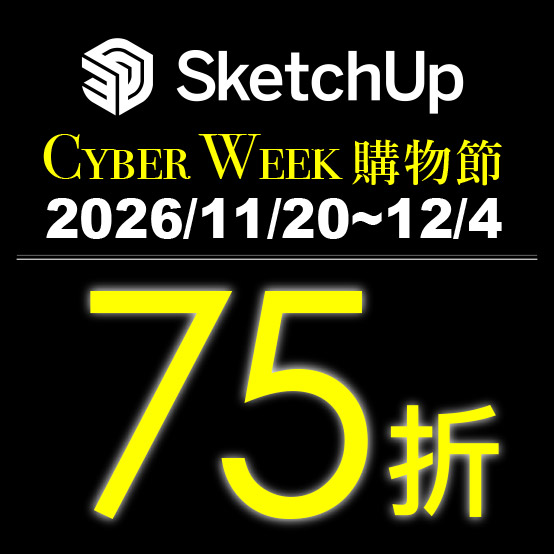
angela.hsu2026-11-20 17:44:032026-11-20 17:44:03SketchUp 2026 Cyber Week【25% OFF】Promotion
 https://condata-ai.com/wp-content/uploads/2026/11/Banner-sketchup-202611promotion-HK-icon.jpg
450
450
dimi.yang
/wp-content/uploads/2025/07/test-logo.png
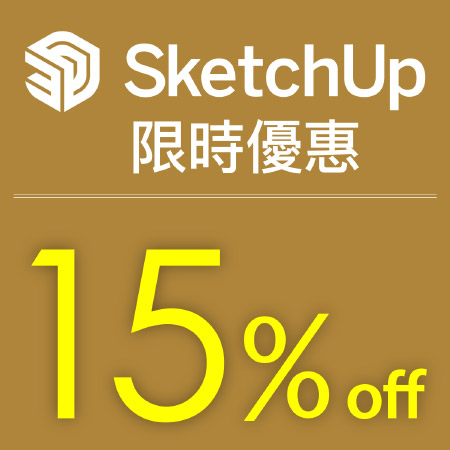
dimi.yang2026-11-02 19:32:432026-11-02 23:12:45SketchUp 2026秋季【15% off】限時優惠
 https://condata-ai.com/wp-content/uploads/2026/05/Banner-sketchup-20260529promotion-HK-icon.jpg
450
450
dimi.yang
/wp-content/uploads/2025/07/test-logo.png
dimi.yang2026-05-27 11:31:322026-06-10 12:51:27SketchUp 2026 年中【20% off 限定快閃優惠】
 https://condata-ai.com/wp-content/uploads/2026/05/Banner-sketchup-202605promotion-HK-icon.jpg
450
450
dimi.yang
/wp-content/uploads/2025/07/test-logo.png
dimi.yang2026-05-12 17:53:412026-06-29 17:13:43SketchUp 2026春季【15% off】限時優惠
Latest trending, Special offers, Event news


Tel:886-2-8768-1631
Service Hours:Mon.-Fri. 9:00am-6:00pm


Tel:886-2-8768-1631
Mail:service@condata-ai.com
Service Hours:Mon.-Fri. 9:00am-6:00pm